
How to turn a faceless YouTube script into a storyboard
A simple method for converting narration into scenes with timing, visual purpose, and continuity notes.
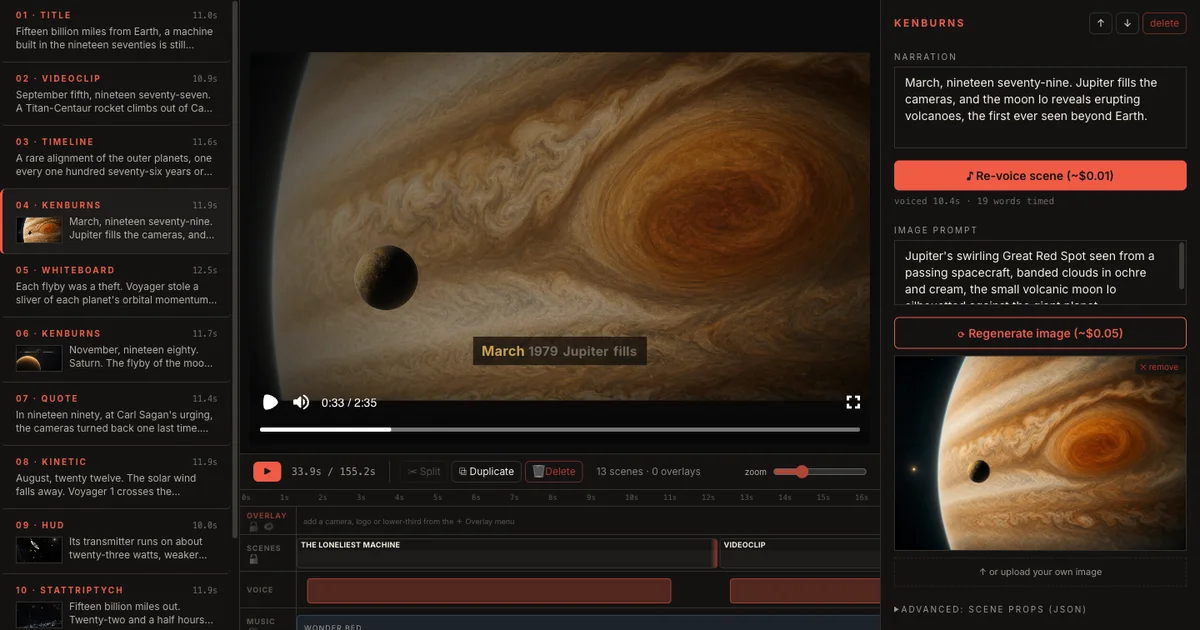
Turn a faceless YouTube script into a storyboard by splitting narration into purposeful scenes while you write. Give every scene one job, a realistic duration, a visual treatment, and continuity notes. This keeps maps, evidence, imagery, text, and motion connected to the argument instead of adding decorative footage after the script is finished.
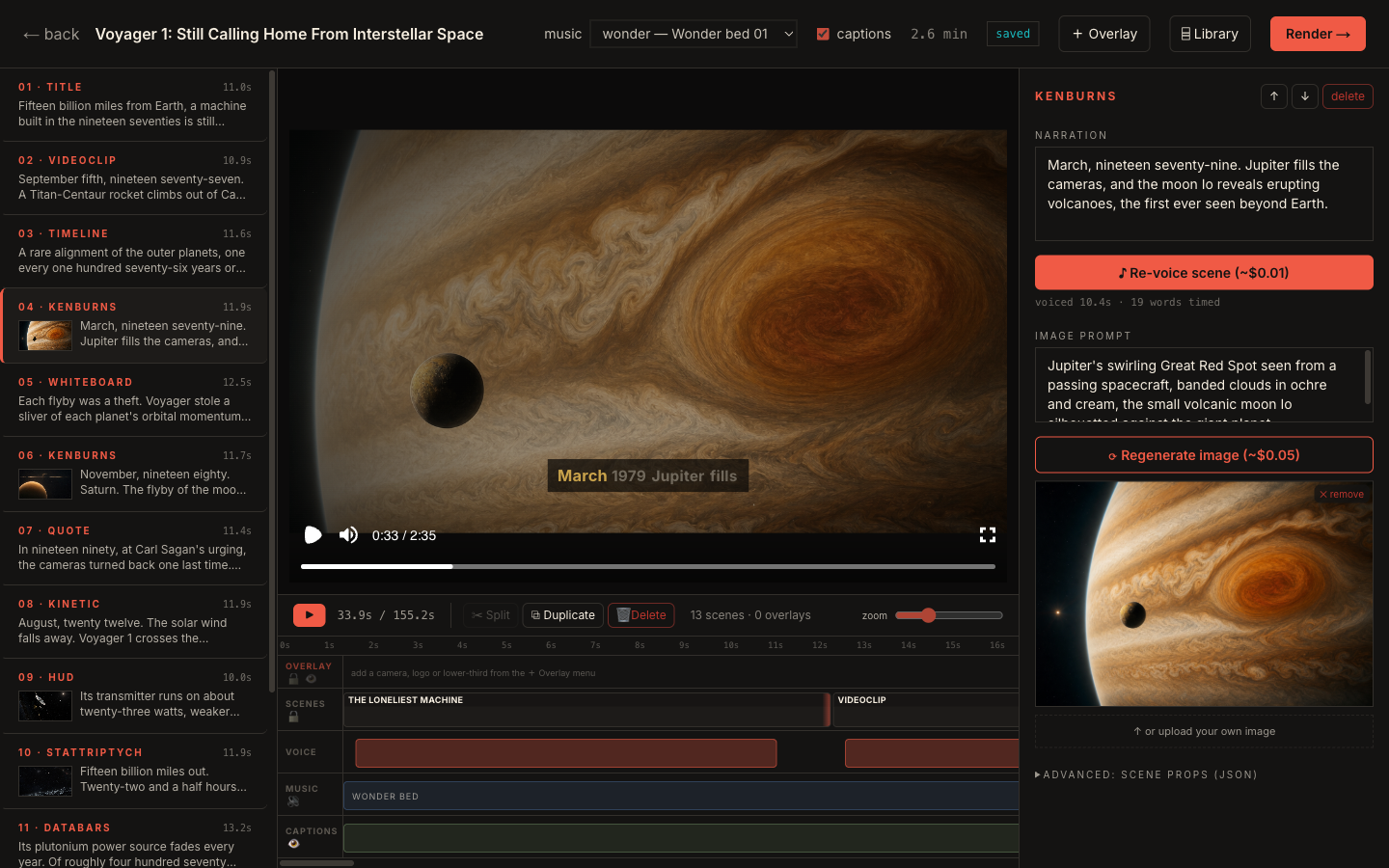
Start with scene jobs
Every scene should have a job. It might introduce a question, explain a mechanism, show evidence, compare two options, or close a chapter.
If a scene has no job, it usually becomes filler.
Match narration length to visual capacity
A dense visual can hold attention longer than a simple title card. A static quote cannot carry a long paragraph. Match duration to what the viewer can actually inspect.
Useful checks:
- Can the viewer understand the visual in the time given?
- Does the narration repeat what the visual already says?
- Does the scene need motion, a cut, or a different layout?
Write visual prompts as production notes
A storyboard prompt should not only describe an image. It should explain the intent of the shot.
Better prompt structure:
- Subject
- Composition
- Visual style
- Scene purpose
- Continuity rule
That gives the scene more direction than a loose image request.
Keep continuity visible
A long video needs recurring rules: colors, typography, camera movement, visual motifs, and things to avoid. Keep those notes close to the storyboard so each scene follows the same creative language.
This is the difference between a collection of generated frames and a video that feels planned.
Turn the framework into a project.
Open Veedyoo and turn your next faceless video idea into a structured production workflow.
Create account