
Faceless YouTube Workflow: Topic to Production Plan
A step-by-step workflow for solo creators who want to turn a topic into a documentary-style video plan before rendering.
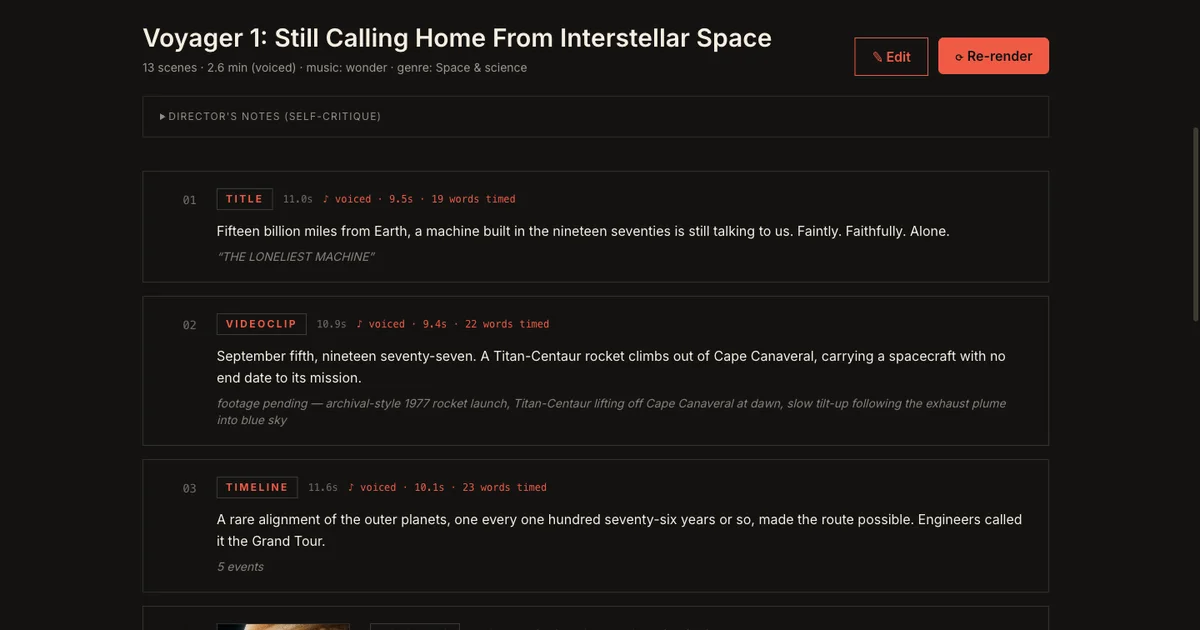
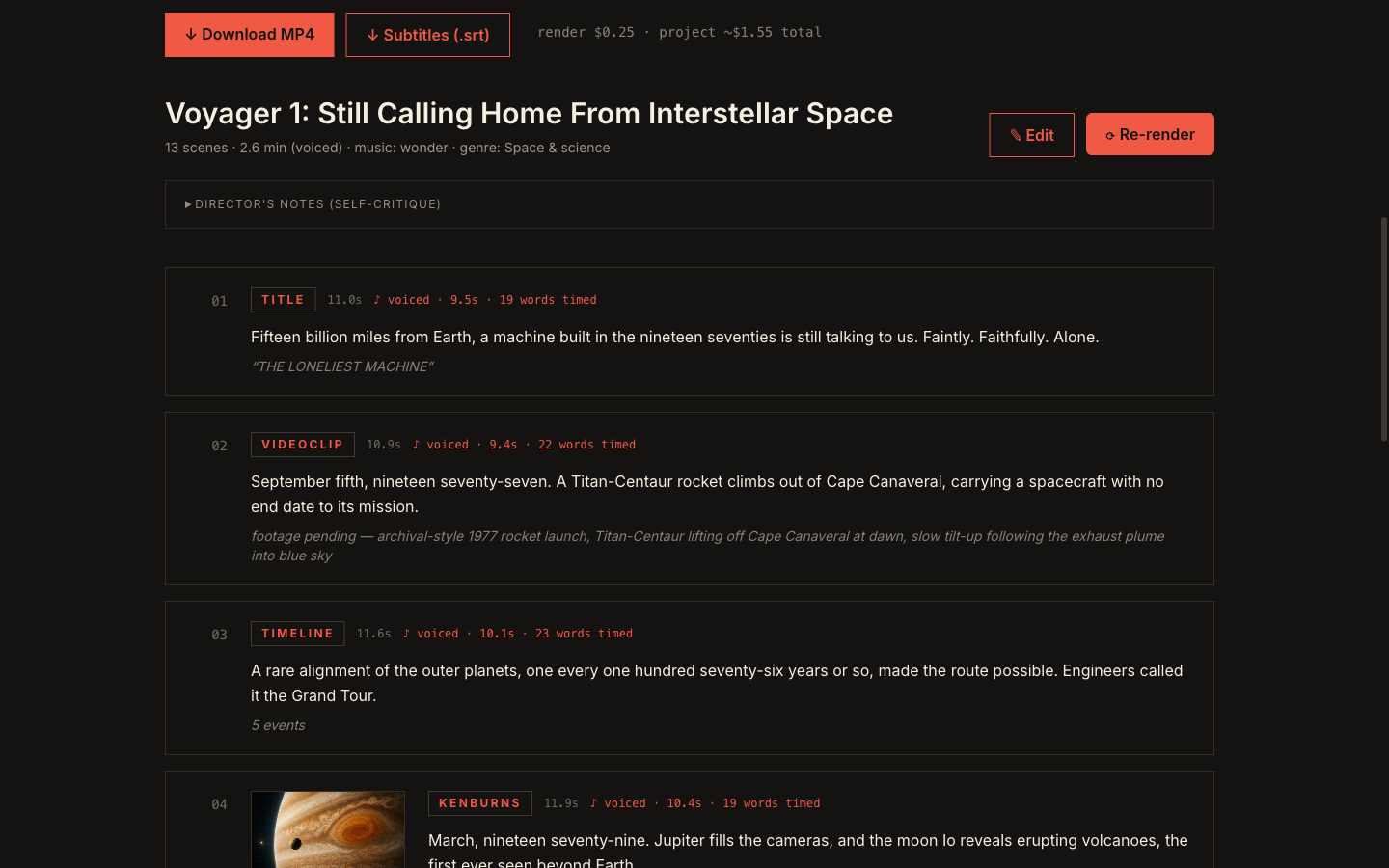
A practical faceless YouTube workflow starts with one clear viewer promise, builds a conflict and chapter structure, defines the visual language, turns narration into an editable scene plan, previews the whole story, and only then generates expensive assets or renders. The goal is to keep the idea, evidence, voice, visuals, and pacing aligned through the final export.
1. Write the promise in one sentence
The promise is what the viewer gets for staying. A good promise is specific enough to guide every scene.
Weak promise: “A video about electric cars.”
Stronger promise: “Why the electric car race is really a battery supply chain race.”
The second version tells you what the video is about, what angle it takes, and what evidence the scenes should support.
2. Choose the conflict
Documentary-style videos need tension. That tension can be a question, contradiction, mistake, risk, or hidden system.
Examples:
- A company looked unstoppable, then one decision changed everything.
- A technology became popular before the infrastructure was ready.
- A simple product hides a complex supply chain.
If the conflict is unclear, the video becomes a list of facts.
3. Break the video into chapters
Most faceless videos become easier to plan when each chapter has one job.
Use a simple structure:
- Hook the contradiction.
- Explain the background.
- Show the turning point.
- Reveal the system behind it.
- Close with the consequence.
This gives the script and storyboard a spine before you write full narration.
4. Define the visual language early
Visual drift happens when every scene is treated as a new prompt. Before generating images or motion, define the rules:
- Palette
- Motifs
- Camera language
- Typography style
- Recurring objects
- Things the video should avoid
These notes do not make the video by themselves. They keep the video from changing personality every 30 seconds.
5. Preview before spending
Use a preview pass to check whether the story works. Look for scenes that repeat the same idea, narration that runs longer than the visual can carry, or visual prompts that do not support the argument.
Only then should you move toward expensive image generation, motion, or final render work.
Turn the framework into a project.
Open Veedyoo and turn your next faceless video idea into a structured production workflow.
Create account